Selected official format
2×2 in (51×51mm)
Create passport photos online for United States at 2×2 in (51×51mm) with a clean background, digital file, and 4×6 print sheet.

Free preview · US$8.99 to download · No subscription
Selected official format
2×2 in (51×51mm)
Included after unlock
Watermark-free digital file plus a 4x6 print sheet
Check before payment
Review crop, background, face position, and preview first

Also available on iPhone
Official app, actively maintained for iPhone and iPad
Take or import a photo, choose the country format, review the crop, and prepare digital and print-ready files in the iPhone app.
Prefer the browser? You can continue using the online photo maker without installing the app.
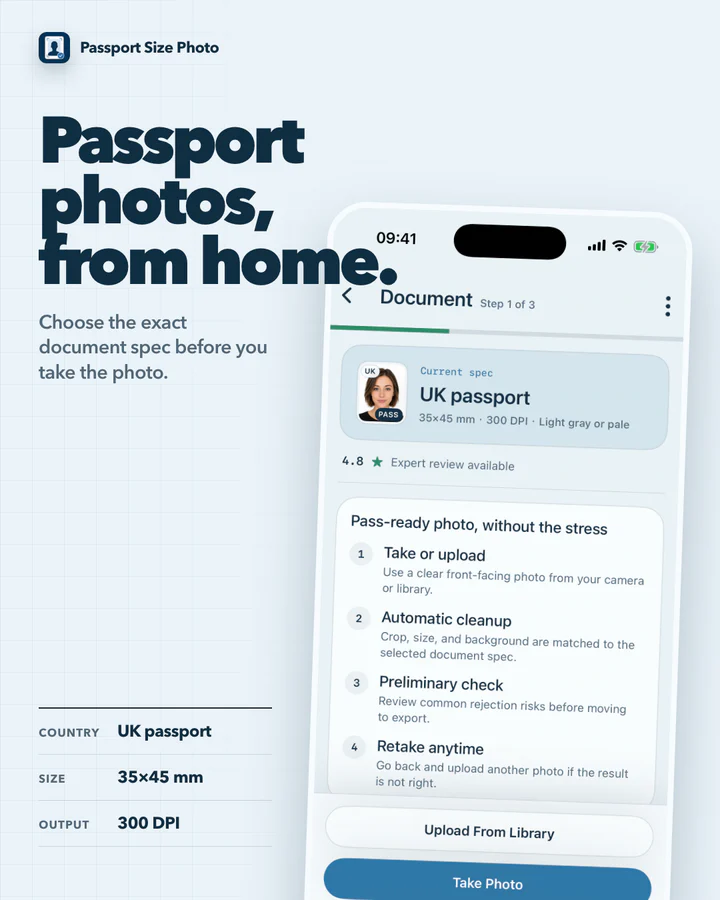
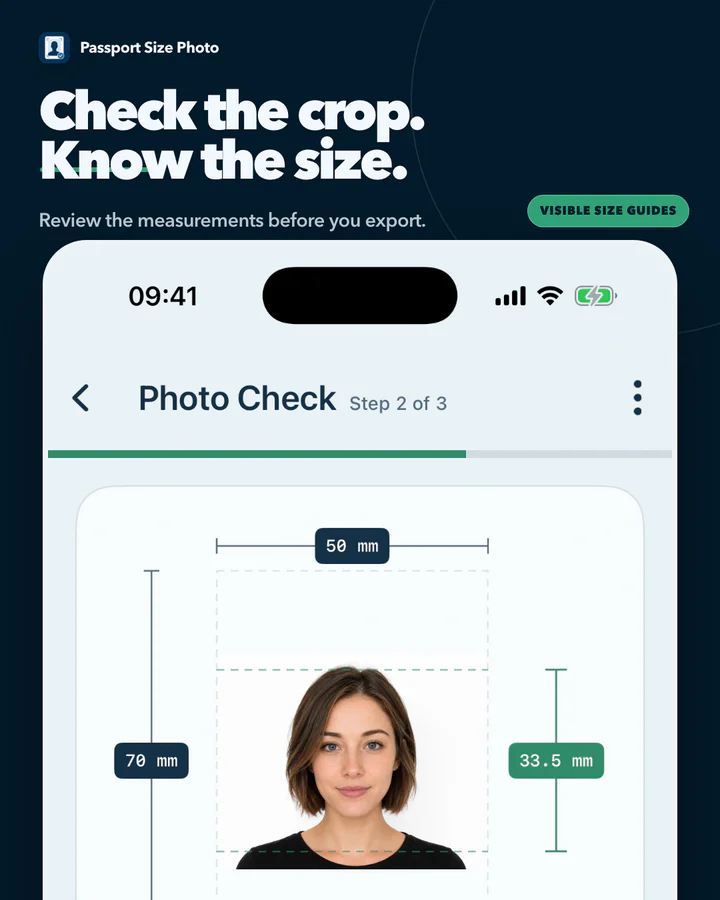
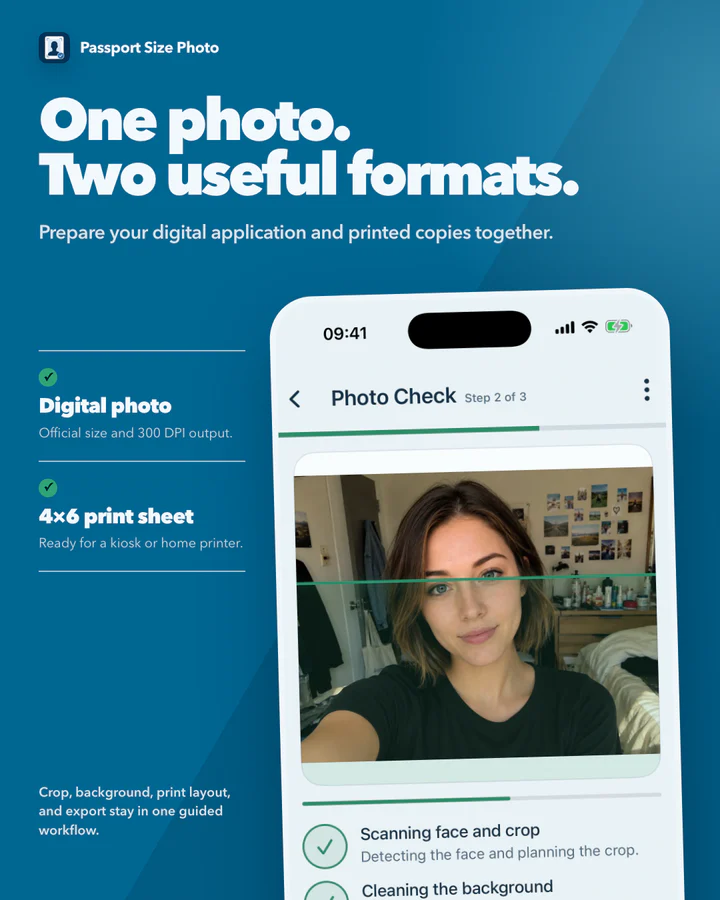
Choose the format. Check the crop. Export both versions.

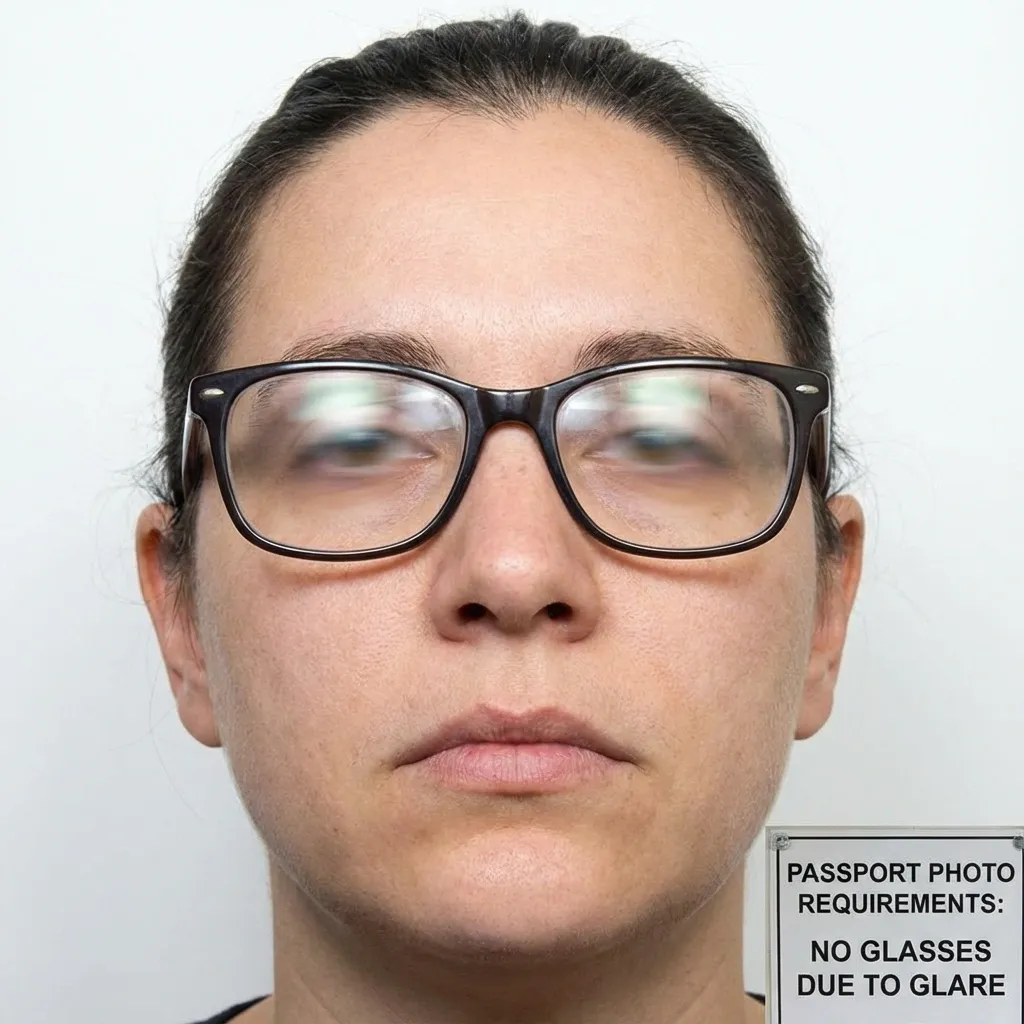

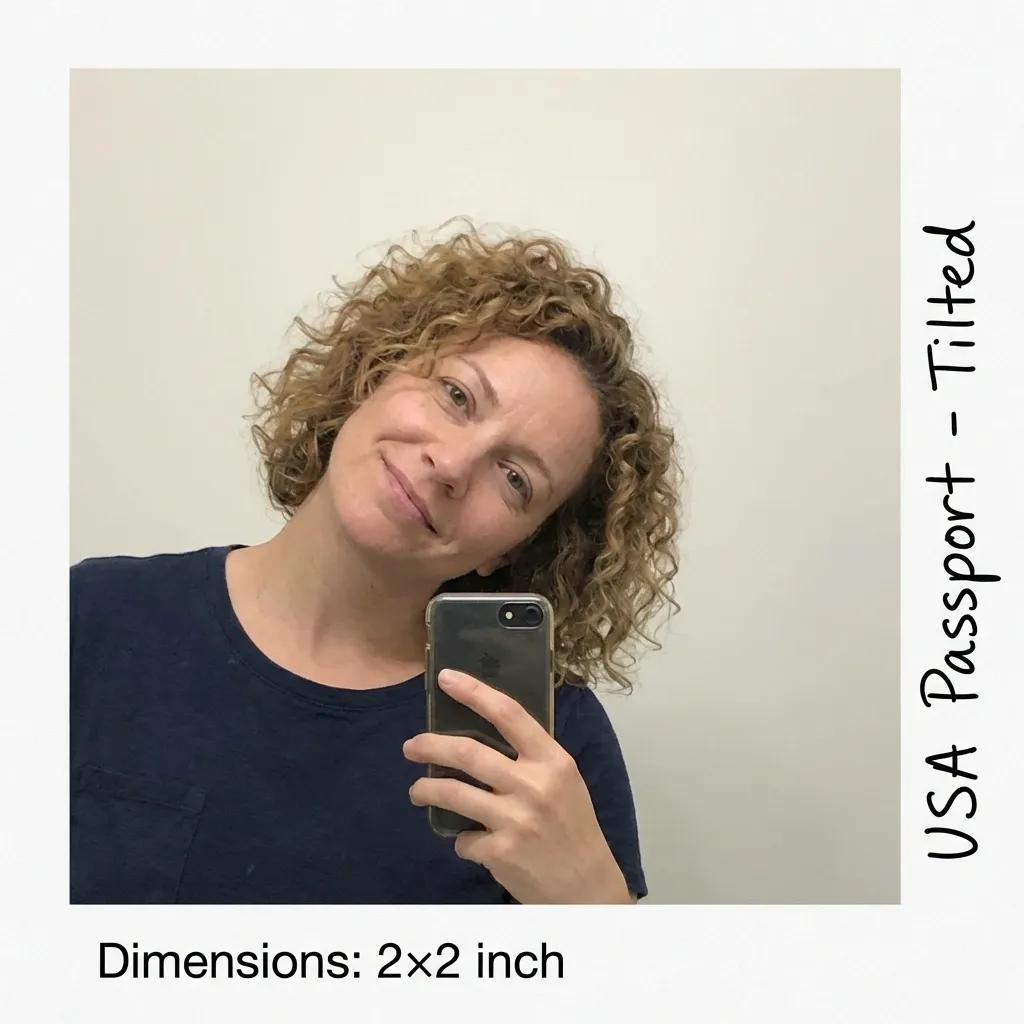
Switch between common passport formats such as U.S. 2×2, 35×45 mm, China 33×48 mm, and Canada 50×70 mm.
Download a single image for online forms or a 4×6 print sheet for kiosks, pharmacies, and home printers.
Check crop, background, and size requirements before you decide to export a final file.
Review the format immediately instead of discovering a size or background problem after you print.
Select the passport format you need before you start cropping.
Use a recent image with even lighting and enough room around the head and shoulders.
Review the face position, crop frame, and background guidance before you export.
Export a single file for digital submissions or a 4×6 print sheet for physical passport photos.
Match the required size for the country or document type you are applying for.
Check that the head is centered and easy to crop into the target frame.
Review whether the document needs white, light grey, blue, or another clean backdrop.
Keep the eyes visible, remove glasses where required, and avoid shadows across the face.
Generate a standard 4×6 sheet when you need physical passport photos.
Jump to country pages and unit pages when you need more specific size requirements.